
What Is a Riverside County Court Docket
A docket is the case's event log. In California, the official court term is the register of actions, but most users still call it a docket. The docket lists each document filed, the date filed, and the party who filed it. It also lists each order, judgment, and event the court has entered. The docket is not the file itself. The file holds the actual papers. The docket simply points at them in order. Riverside Superior Court publishes the register of actions through the Public Portal at epublic-access.riverside.courts.ca.gov.
California has one trial court of general jurisdiction per county, so a Riverside docket always comes from the Superior Court, not from a separate municipal or justice court. Federal dockets for Riverside cases live on PACER. Bankruptcy dockets sit at the U.S. Bankruptcy Court for the Central District of California, Riverside Division. A docket is an internal court log, while the case management system is the database that holds it. The portal shows a public-facing view of that database.
How to Find Riverside County Dockets on the Public Portal
The Public Portal is the main online tool. It needs a free account, cookies on, and popup blockers off. Search rates cap at 30 lookups per 5 minutes. Case-number searches are free. Name searches cost credits as listed on the public-access information page. 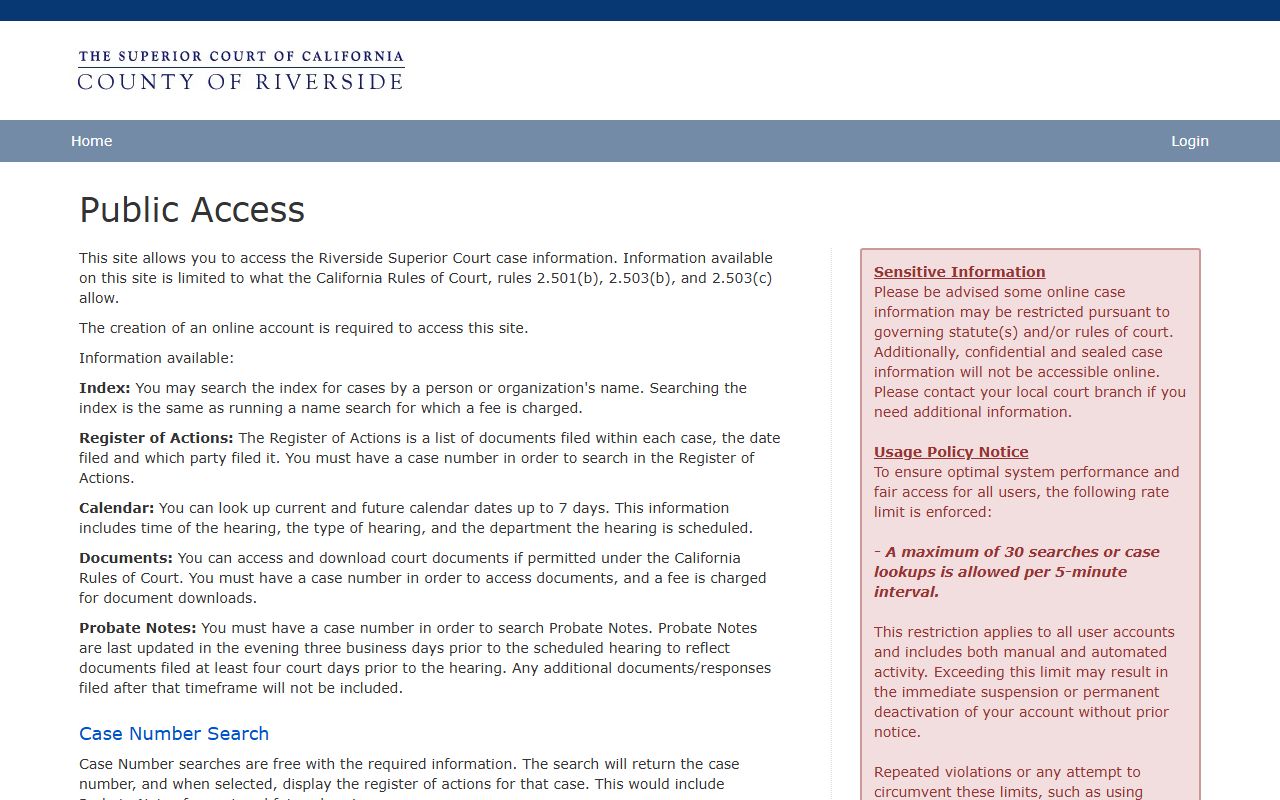 The portal landing page lists the index, register of actions, calendar, documents, and probate notes functions.
- Open the Public Portal and create or sign in to an account.
- Pick a case type. Criminal and traffic are bundled. Civil, family law, and probate are separate.
- Enter a case number or run a name search. Buy credits first if you plan to name-search.
- Open the matching case to see the register of actions.
- Click Calendar to see the next 7 days of hearings for that case and department.
- Download a document if remote access is allowed for the case type and the file is not sealed.
Sample Riverside County Docket Entry
Each docket entry has the same shape. The portal posts the date, the event, and the party who filed. Civil dockets often link the document for paid download. Criminal and traffic dockets may show the entry but limit the document to courthouse-only access under California Rules of Court rule 2.503. The next table is a sample inventory built from the court's published register-of-actions description.
| Field | What It Shows |
|---|---|
| Entry Date | The date the document was filed or the event was entered. |
| Event Type | Filing type, hearing type, or order type. Examples: Complaint filed, Answer filed, Motion to compel filed, Minute order, Judgment entered. |
| Party Filing | Plaintiff, defendant, petitioner, respondent, or the court itself for minute orders and rulings. |
| Document Title | Short label for the paper filed, often a Judicial Council form number or motion name. |
| Document Link | Click-through to buy the document when remote access is allowed and the file is not sealed. |
| Department | Department number where the matter is heard. |
| Hearing Result | Held, continued, off-calendar, or vacated. Listed on hearing events. |
| Notes / Probate Notes | Probate cases also publish examiner notes three business days before the hearing. |
Courts That Publish Dockets in Riverside County
Every Riverside trial-level docket comes from one court. The Superior Court of California, County of Riverside, runs 13 courthouse locations and one Public Portal. Each courthouse handles a slice of the work, but the docket database is shared. The court posts the list of locations and their case types at riverside.courts.ca.gov. 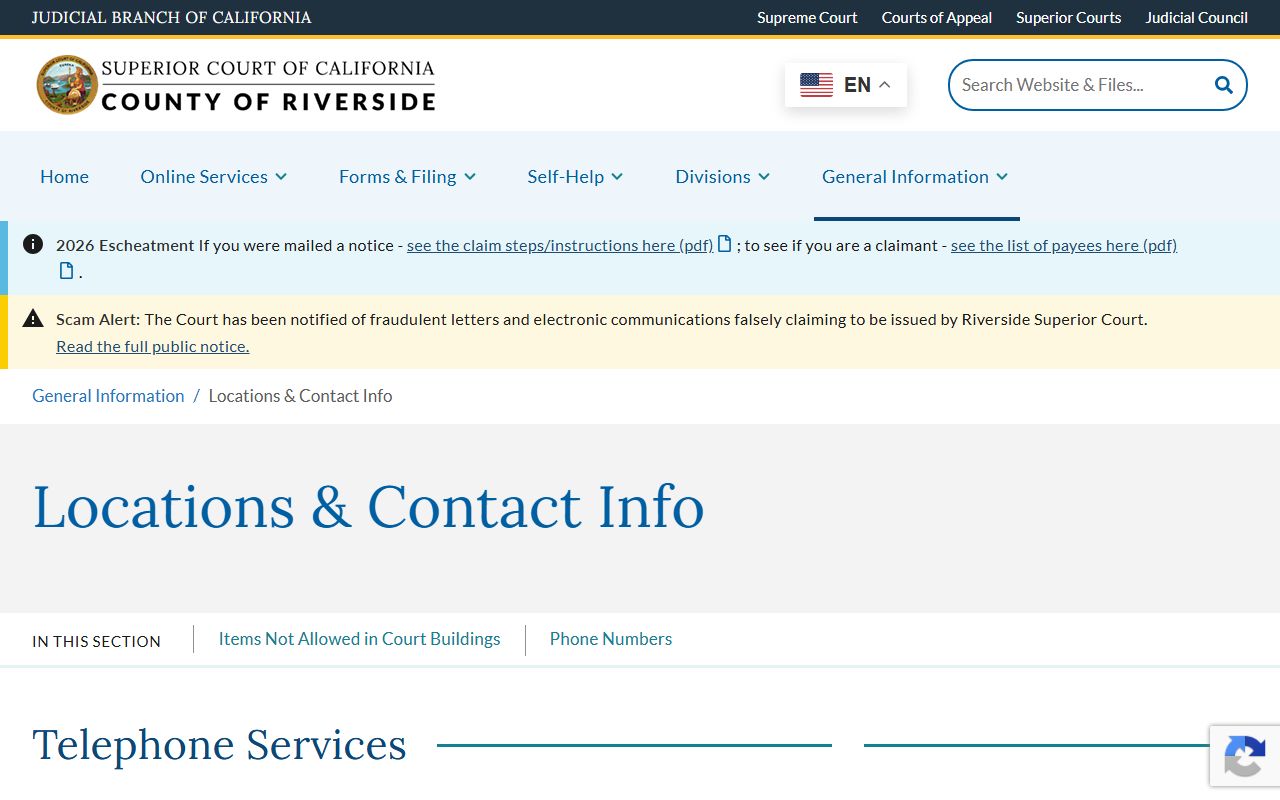 The page also lists drop boxes, counter hours, and clothing rules for visitors.
- Riverside Historic Courthouse, 4050 Main Street. Civil and probate dockets, plus the executive offices.
- Riverside Hall of Justice, 4100 Main Street. Criminal and traffic dockets for the downtown area.
- Riverside Family Law Courthouse, 4175 Main Street. Family law dockets, including divorce and custody.
- Larson Justice Center, Indio. Civil, criminal, traffic, family law, and probate for the Coachella Valley.
- Southwest Justice Center, Murrieta. Civil, criminal, traffic, family law, and probate for southwest Riverside County.
- Smaller courthouses in Banning, Blythe, Corona, Menifee, Moreno Valley, and Palm Springs. Mixed civil, criminal, and traffic dockets that serve their local cities.
- Riverside and Southwest Juvenile Courthouses. Hold juvenile dockets, which do not appear on the Public Portal under WIC §827.
Docket vs Full Case Record
The docket is a roadmap. The full case file is the destination. A docket lists each event and points at the document. The case file holds the document itself: the pleading, the order, the exhibit, the transcript. A user planning a hearing can usually work from the docket alone. A user filing a motion, preparing for trial, or checking a judgment usually needs the full file. The portal lets you buy documents from many civil dockets. Criminal, family, juvenile, mental health, guardianship, conservatorship, and listed restraining-order dockets often hold the document back from remote access under rule 2.503.
| Docket / Register of Actions | Full Case File | |
|---|---|---|
| Format | List of events with date and filer | Pleadings, orders, exhibits, transcripts |
| Source | Public Portal index | Courthouse counter or portal document buy |
| Access | Free with case number; small fee by name | $1.00/page first 5, $0.50/page after, $50 cap online; or counter fees in person |
| Use | Track filings, set hearing reminders | Read motions, copy exhibits, prove the record on appeal |
| Limits | Sealed cases hidden; juvenile not shown | Some case types courthouse-only under rule 2.503 |
Calendar vs Docket vs Register of Actions
The three terms get mixed up. The court treats them as different things. The register of actions is the case's history. The calendar is the court's upcoming schedule. The docket is the catchall term most lawyers use. On the Public Portal, the Calendar function shows only the current and future hearings up to 7 days ahead. The Register of Actions function lists every event back to the filing date. For probate cases, the portal also posts Probate Notes, which are examiner comments updated three business days before the hearing.
Short version: open the Register of Actions to read the case's past. Open the Calendar to see the case's near future. Open Probate Notes to read what the examiner thinks of the upcoming probate hearing. All three need the case number. None of them are the official certified record. For a certified copy, file a request with the clerk under RI-MC002 or buy the document through the portal.
Hearing Search by Department in Riverside County
The court publishes a judicial assignments PDF. It lists each department, the assigned judicial officer, and the calendar group. The court updates it as judges rotate, so the live PDF beats any hard-coded list. 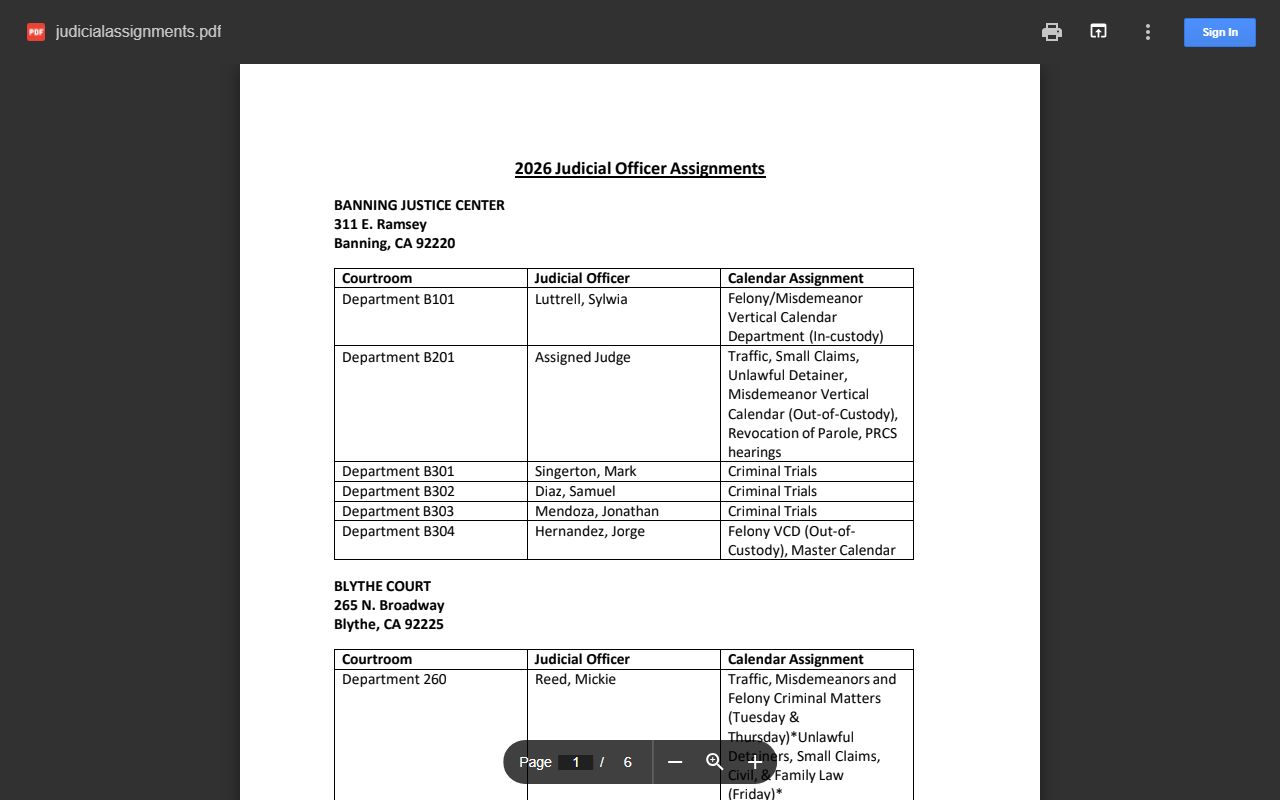 Open the PDF before you go to a hearing to confirm the department and the judicial officer.
The Public Portal's calendar pulls from the same data. Enter the case number, open the calendar, and read off the date, time, department, and hearing type. If you only need to find a judge's calendar, the assignments PDF is the better starting point. If you need a specific case's hearing, the portal calendar is faster.
Public Access to Riverside County Court Calendars
California Rules of Court rule 2.503 requires electronic court records to be reasonably available to the public. The same rule sets limits for certain case types. Indexes, registers, and calendars can be online for nearly every case type, but full documents may be courthouse-only for family, juvenile, criminal, mental health, guardianship, conservatorship, and several restraining-order case types. Riverside follows this rule on the Public Portal. The court can also restrict access to sealed records under rule 2.550 and to confidential filings under specific statutes. New eviction cases are confidential for the first 60 days under Code of Civil Procedure §1161.2.
If a docket entry refers to a sealed motion or a confidential filing, the portal will list the entry but block the document. A party with standing can move to unseal under rule 2.551. Members of the press and the public can also file a motion to access where the public interest is strong. For day-of hearings, the courtroom is the fallback. Most hearings stay open to the public, and the court posts the day's calendar inside or near the courtroom.
How to Read a Riverside County Docket
Docket lines use court shorthand. A typical line reads "Complaint filed by Plaintiff" or "Motion to compel discovery filed by Defendant" with a date and a department number. Minute orders, judgments, and rulings show the court as the actor. Continuances show as "Hearing continued to" with a new date. Off-calendar entries mean the hearing was taken off the schedule without a ruling. Vacated entries mean the hearing was set, then cancelled. Many criminal entries use code abbreviations such as ARR for arraignment, PHX for preliminary hearing, JT for jury trial, and SEN for sentencing.
Disposition codes in Riverside cases include Dismissed, Dismissed with Prejudice, Judgment Entered, Default Judgment, Sentenced, Transferred, Sealed, and Purged. A purged file means the court has destroyed the file under Government Code §68152's retention rules. The case may still exist in name but no documents remain. Sealed means the docket entry might appear but the file is closed to public view. Confidential family or juvenile cases may not show at all.